Camera app that looks like film · the checklist
How to tell if a camera app actually looks like film.
A warm tint and a grain slider is not film. Film is grain that lives in the shadows, highlights that fade instead of clipping, red halos around lights and a lens that gives up at the corners. Here is the checklist, with crops you can zoom into.
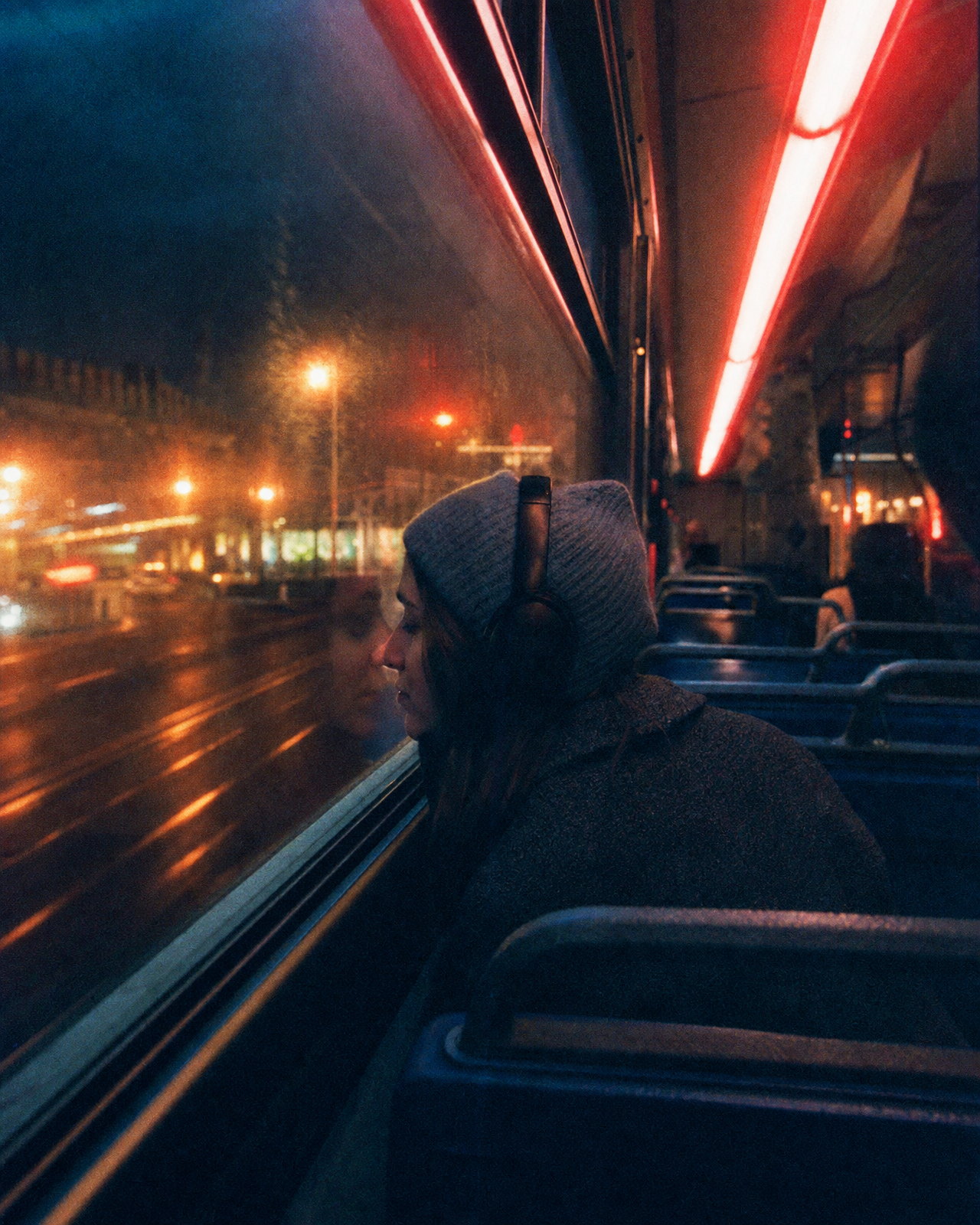 '26 09 02
01The five tells
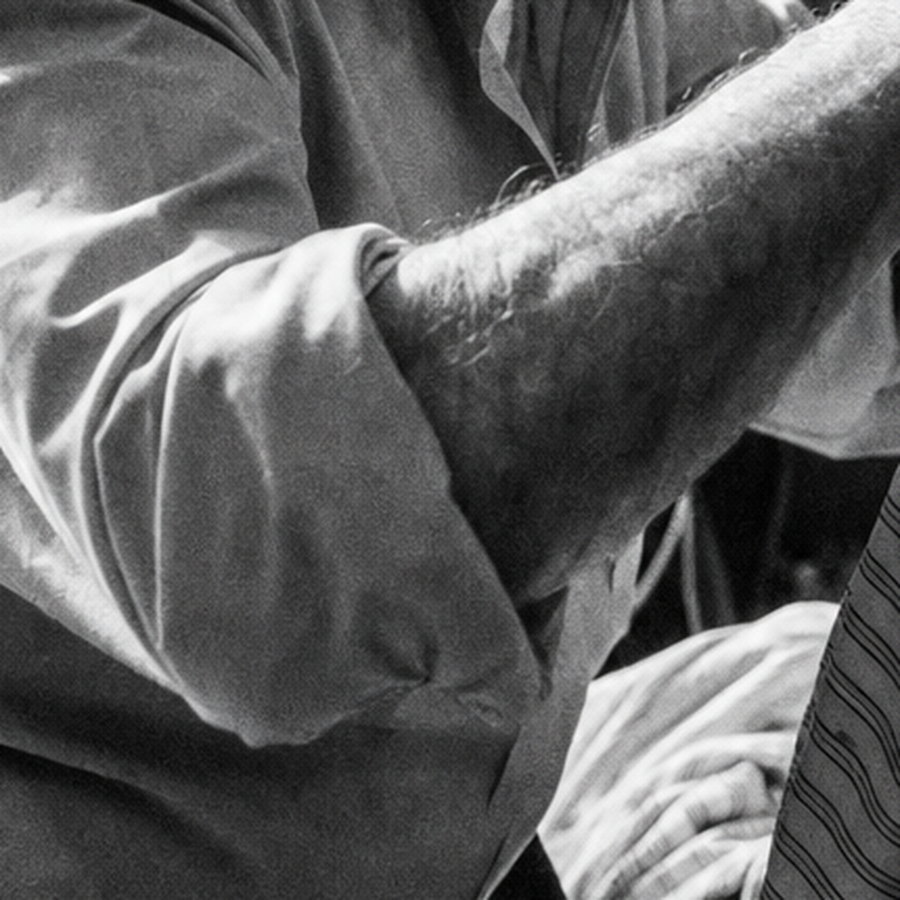
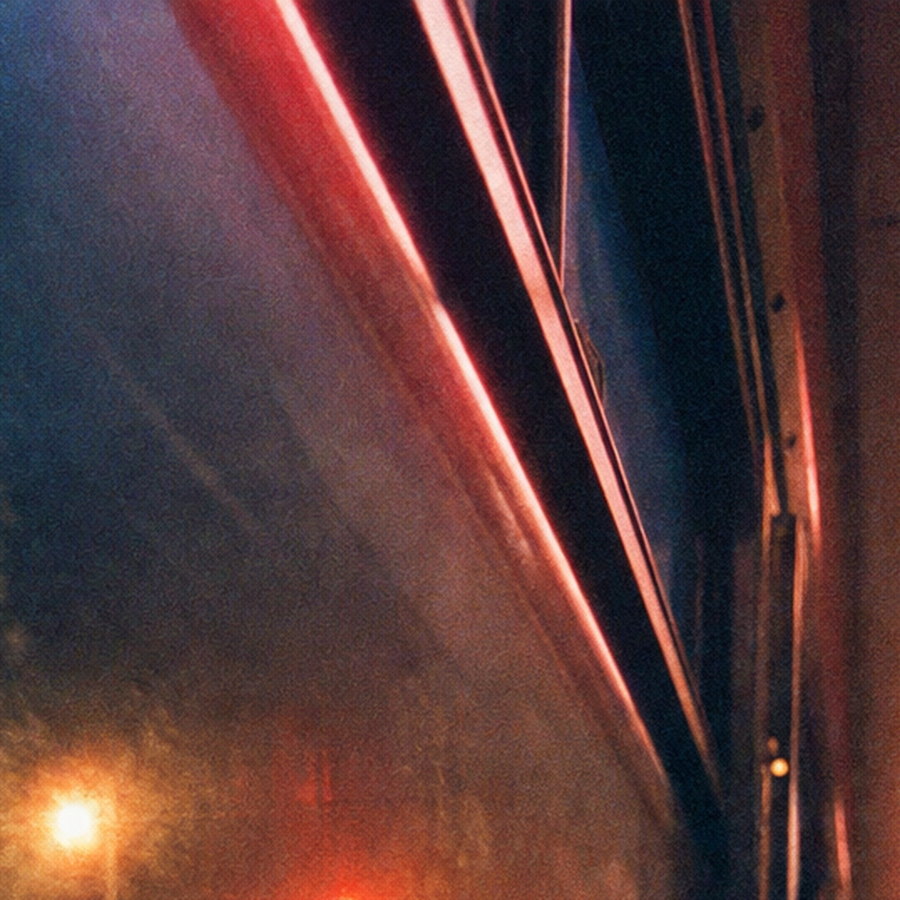
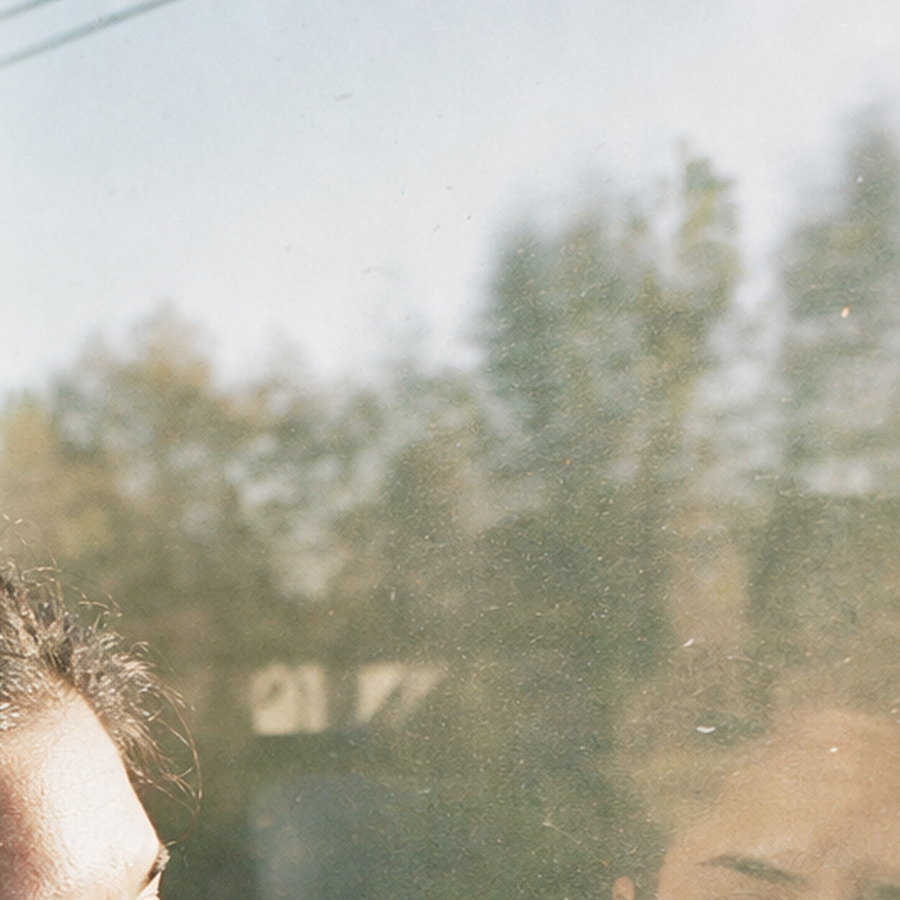
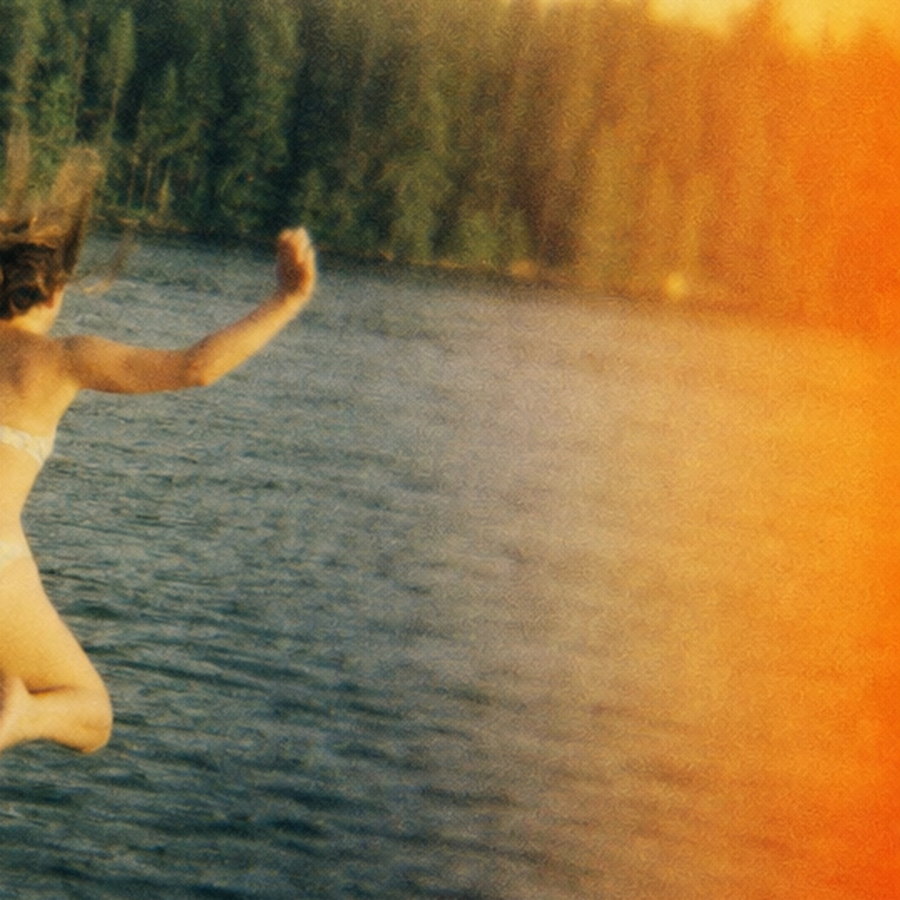
Zoom in. Film shows up at 100%.
Every crop below is a piece of a photograph elsewhere on this site, at full size. Try the same four checks on any app you are considering, including this one.
The fifth: colour crossover
A film does not lean one way. Its shadows lean one way and its highlights another: Superia goes green in the shadows and magenta in the highlights; expired Agfa goes muddy blue below and warm above. A single tint slides the whole picture together. If the app’s films have names you can look up and the crossover matches, it was built from the real thing.
02Same photo, on Tri-X
The tint test.
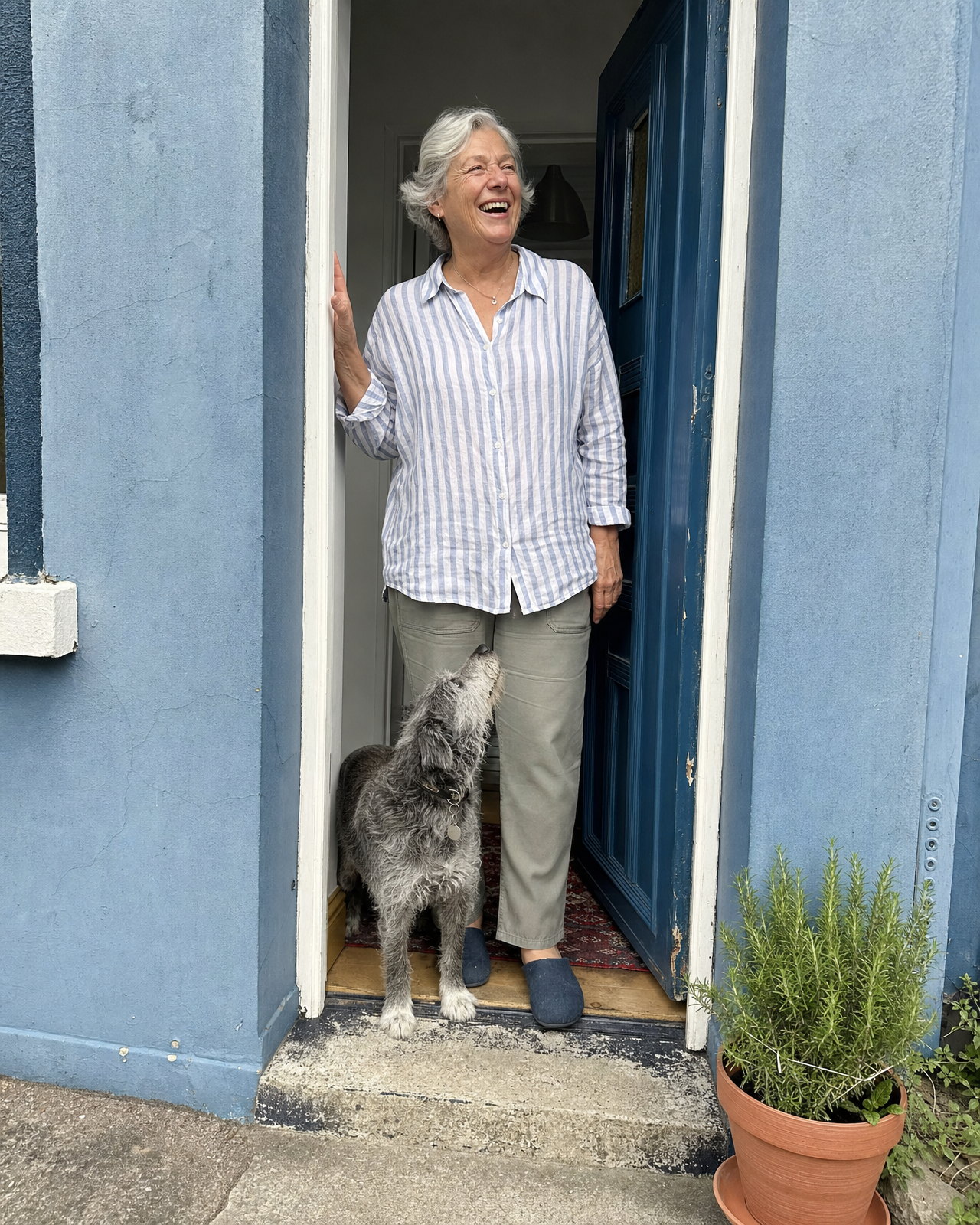
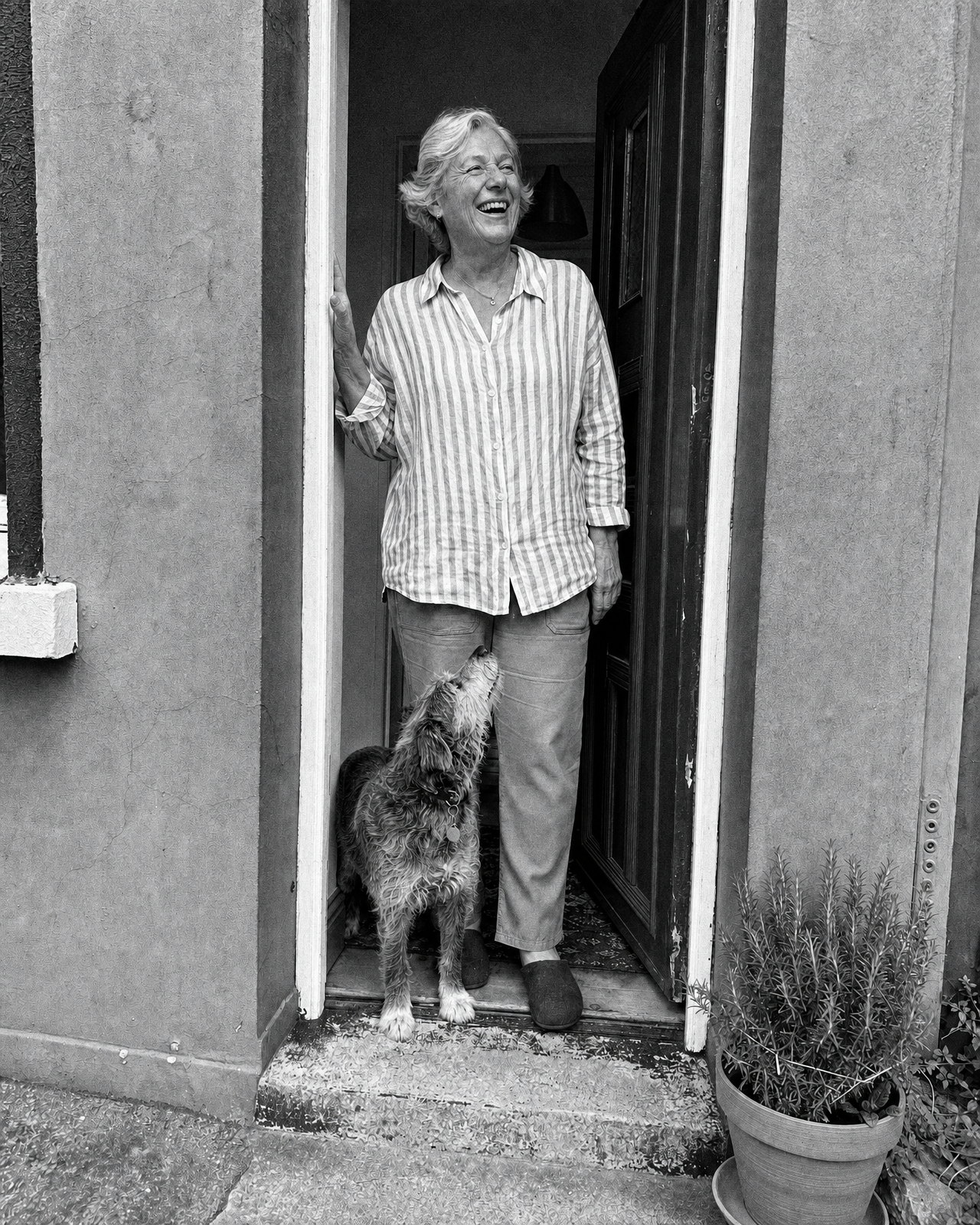
A black-and-white filter is where a tint gives itself away: desaturate, add contrast, done. Tri-X is different in the grain, which is coarse and sharp and sits in the greys, and in the highlights, which stay bright without going flat.
 '26 08 30
SAME PHOTOGRAPH · PRINTED THROUGH THE APP'S OWN TRI-X 400 RECIPE
03Where CAM135 gets the look
Eleven films, measured, then one dial.
Each film in CAM135 is built from the real one: its colour response, its contrast curve, where its grain sits and how big it is, whether it halates. That is the filter. The dial on top decides how far the film's damage invades the frame.
- Grain
- Modelled as clusters that gather around centres, three sizes at once, blended so the field is strongest in the midtones and eases off into the highlights and deepest shadows. Not a speckle laid on top.
- Halation
- Bright sources bloom red-orange into their surroundings on the films that did it: CineStill above all, because its anti-halation layer was removed.
- Rolloff
- Highlights compress toward white along the film's curve instead of hitting the sensor's ceiling.
- Crossover
- Shadows and highlights lean in the film's own two directions, never a single tint.
- Leaks, fog, dust
- Added by the dial, and geometric: a warm band from one edge that stops at the frame line, a curved fog boundary, specks with halos and the odd hair.
04The camera matters as much as the film
A film look with a perfect lens is half a film look.
Film was shot through glass that had a centre and corners, and bodies that let light in. CAM135's 23 cameras each bring their own: a Holga's smear, a pinhole's softness, a Leica's evenness, a camcorder's wobble.
05The honest line
It looks like film. It is not film.
CAM135 is emulation, and every page on this site says so. Pretending otherwise would be a worse product, and you would find out at 100% anyway.
Questions
The short answers.
- What camera app looks most like film?
- The ones that model film rather than tint it. Look for grain that varies with tone, halation around lights, highlights that roll off, a named film with a colour crossover, and a camera or lens with real corners. Dehancer and RNI do this well for editing. CAM135 does it in a camera you shoot with, with one dial for how much, for $19.99 once.
- Is film grain the same as noise?
- No. Digital noise is per-pixel and even across the frame. Film grain is clusters of silver or dye that are heaviest in the midtones and shadows and thin out in the highlights. An app that adds a uniform speckle is adding noise and calling it grain.
- Does making a photo look like film lower its quality?
- It changes it on purpose: softer corners, visible grain, faded highlights. The photo is rendered at its full size, not a preview, and the original is kept. The dial goes down to CLEAN if you want the film's colour with none of its damage.
- Is it really film?
- No. It looks like film. CAM135 is emulation, and we say so on every page. Real film is chemistry in a can; this is that chemistry measured and modelled on a phone.
- Does the camera film app work on the photos I already have?
- Yes. The batch filter prints any of the eleven films onto up to twenty photos from your library at a time, on the device, with the original untouched.